


 Click here for how to set wallpaper
- FELISSIMO >
- Kraso [Kuraso] >
- Galafull >
- Wallpaper of the month
Galafull Original
Wallpaper present!!
Wallpaper present!!
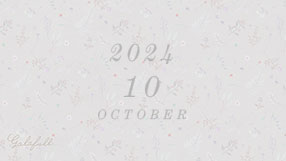
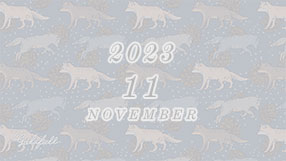
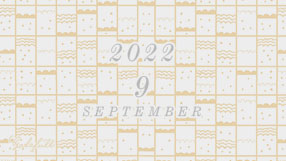
Every month presents start from Galafull!
Hand-drawn original wallpaper (smartphone & PC)
You can download it.
The design changes every month, and the store owners, Sumi and Chie,
It's a small, thrilling gift.
Look forward to the limited edition pattern☆彡
Be sure to come and check it out!













































































- For Windows
1. Download button
 Please click on the.
2.The image will be displayed in a separate window.
3. Hover over the image, right-click and select "Set as Background".
- For Macintosh
1. Download button
Please click on the.2.The image will be displayed in a separate window.
3. Control-click and select Save Image As.
4. Open "Desktop & Screen Saver" from "System Preferences" and select the image file you saved.
- For iPhone
1. Download button
Tap2. Save the image displayed in a separate window.
3. Tap "Wallpaper" from "Settings" on the home screen.
4. Select the Galafull image from the saved images.
- For Android
1. Download button
Tap2. Save the image displayed in a separate window.
3. Select "Settings" → "Personalization" → "Wallpaper".
4. Select the Galafull image from the saved images.
-
*For details on how to set up, please refer to the settings of your computer or mobile phone.

[Precautions for use]
*Unauthorized copying or reproduction of all content on this page, including text, photographs, illustrations, etc. is prohibited.
*Please refrain from using the wallpaper for any purpose other than personal use. Even for personal use, use on the internet, redistribution, or any other use on devices other than your own is prohibited.